

AVX Control™ permite que casi cualquier tableta, teléfono u ordenador se use como interfaz de control para su solución HARMAN Professional AVC. Para aplicaciones donde el hardware de grado profesional es ideal para alojar la interfaz de control, AVX Control también se incluye como App Persona predeterminada en paneles táctiles AMX Varia.
AVX Control es una aplicación de software gratuita y ligera disponible para todos los sistemas operativos principales, incluyendo dispositivos Android, iOS, Windows y macOS. Esta aplicación aloja las interfaces personalizadas creadas en AVX Architect para proporcionar un medio conveniente de operar una solución HARMAN Professional AVC desde un ordenador, tableta, teléfono o panel táctil.
Descargar AVX Control
Versión de producción próximamente
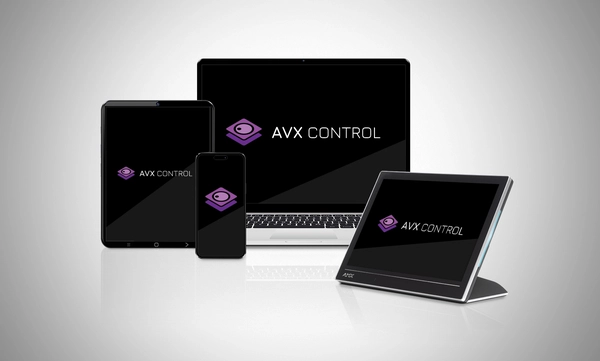
Compatibilidad con múltiples sistemas operativos
El software AVX Control™ es compatible con una amplia variedad de sistemas operativos, entre ellos Windows, macOS, Android, iOS y los paneles táctiles AMX Varia. Gracias a estas versátiles opciones, los diseñadores pueden crear soluciones a medida para cualquier aplicación.
Controles Intuitivos desde Cualquier Lugar
AVX Control proporciona acceso a las interfaces intuitivas y llamativas centradas en el usuario desarrolladas dentro de AVX Architect y puede convertir casi cualquier dispositivo en un punto de control conveniente para el sistema.

 actualizado: jul 2026