

AVX Control™ enables nearly any tablet, phone, or computer to be used as a control interface for your HARMAN Professional AVC solution. For applications where professional-grade hardware is ideal for hosting the control UI, AVX Control is also included as a default App Persona on BSS OMNI touch panels.
AVX Control is a free, lightweight software app available for Windows, Android, iOS, iPadOS, and macOS. This app hosts the custom UIs created in AVX Architect to provide a convenient means of operating a HARMAN Professional AVC solution from a computer, tablet, phone, or touch panel.
Download AVX Control
Windows
Choose the installer that best fits how you plan to use AVX Control.
AVX Suite Installer
Install AVX Control as part of AVX Suite, with the option to also install AVX Architect and AVX Manager on the same Windows computer.
Standalone Installer
Install AVX Control by itself without installing AVX Architect or AVX Manager.
Important: The AVX Suite and standalone versions of AVX Control cannot be installed simultaneously on the same Windows computer. Uninstall the existing version before switching installation methods.
Other Platforms

Scan to download
iPhone, iPad, and Mac
AVX Control will be available from the App Store for iPhone, iPad, and compatible Apple silicon Mac computers.
The same App Store download supports iOS, iPadOS, and compatible macOS devices.
App Store link coming soon
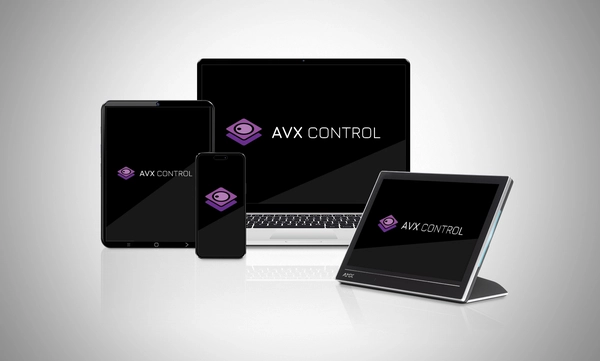
Multi O/S Platforms
AVX Control™ software is cross-compatible with a wide variety of operating systems, including Windows, macOS, Android, iOS, and AMX Varia touch panels. With these versatile options, designers can create tailor-made solutions for any application.
Intuitive Controls from Anywhere
AVX Control provides access to the intuitive and eye-catching user-centric interfaces developed within AVX Architect and can turn nearly any device into a convenient control point for the system.

 updated: Jul 2026