AVX Manager

Monitor and Manage

AVX Manager ImageAVX Manager

AVX Manager™ φέρνει απίστευτα ισχυρή διαχείριση σε συσκευές HARMAN Professional με HControl. Αντί να ρυθμίζετε συσκευές μία προς μία, το AVX Manager σας επιτρέπει να ρυθμίσετε ταυτόχρονα μεγάλο αριθμό συσκευών, είτε τοπικά είτε εξ αποστάσεως.

Λήψη AVX Manager

Η έκδοση παραγωγής θα διατίθεται σύντομα
Device Auto-Discovery

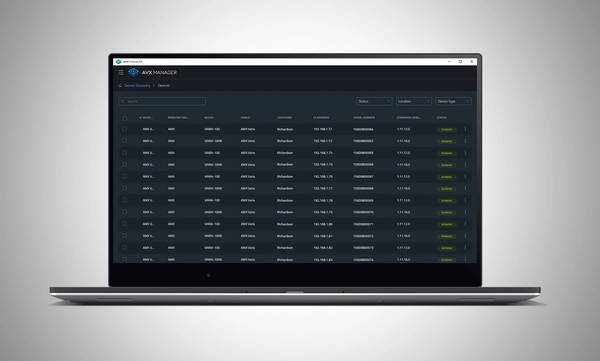
Compatible HARMAN devices on the network are automatically discovered and added to Manager for at-a-glance status monitoring and access to configuration.

Settings Configuration

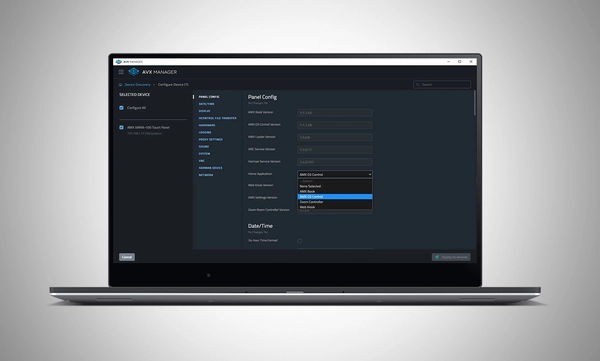
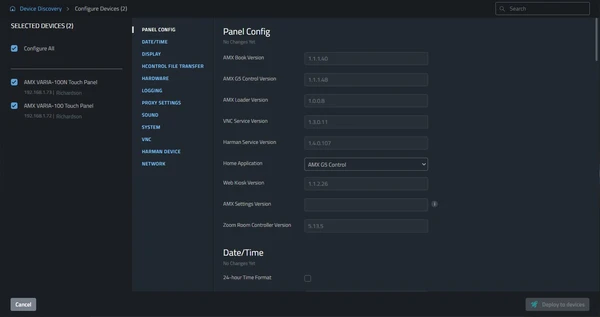
Individual devices, entire installations, or any size device group can be configured simultaneously. This cuts deployment time and reduces opportunities for error.

Firmware Updates

Deploy firmware updates to any device or any collection of devices on the network without the need for device specific software.

MASS CONFIGURATION.

MASS DEPLOYMENT.

MADE MASSIVELY SIMPLE.

Device Auto-Discovery

Compatible HARMAN devices on the network are automatically discovered and added to Manager for at-a-glance status monitoring and access to configuration.

Settings Configuration

Individual devices, entire installations, or any size device group can be configured simultaneously. This cuts deployment time and reduces opportunities for error.

Firmware Updates

Deploy firmware updates to any device or any collection of devices on the network without the need for device specific software.

MASS CONFIGURATION.

MASS DEPLOYMENT.

MADE MASSIVELY SIMPLE.

Χαρακτηριστικά

  • Device Auto-Discovery – Compatible HARMAN devices are automatically discovered on the network
  • Settings Configuration – Configure device settings for any number of devices simultaneously
  • Firmware Updates – Deploy firmware updates to any device or any collection of devices on the network
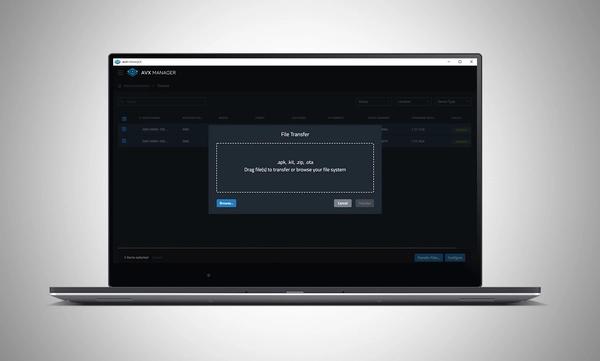
  • File Transfer – Transfer files to devices

Λήψεις

Brochures
  Γλώσσα Μέγεθος Ανέβηκε
file type icon BSS OMNI Brochure
en ενημέρωση: Ιουλ 2026
en  4 MB Ιουλ 2026

Εάν κάποιος από τους παραπάνω συνδέσμους έχει ως αποτέλεσμα παράξενους χαρακτήρες στο πρόγραμμα περιήγησής σας, κάντε δεξί κλικ στο αρχείο για να το αποθηκεύσετε στον υπολογιστή σας.

Υποστήριξη/FAQ